Tracking apps
- Pull in transactions after you spend
- Show you where money already went
- Sort spending for you, so you rarely stop to think about it
- Tell you about a problem once the money is gone

Hoarding Wealth is a learning app that helps you get your finances in order and reach financial freedom, one step at a time.
Start freeEach part of the app has one job. Here is how they fit together, and why each one works the way it does.
A short assessment shows your primary and secondary money personality from seven types: saver, spender, worrier, strategist, optimist, goal-driven and philanthropist. Then you create your free account.
Why: Knowing how you tend to think about money makes the rest of the app easier to use honestly. It is a starting point, not a label.
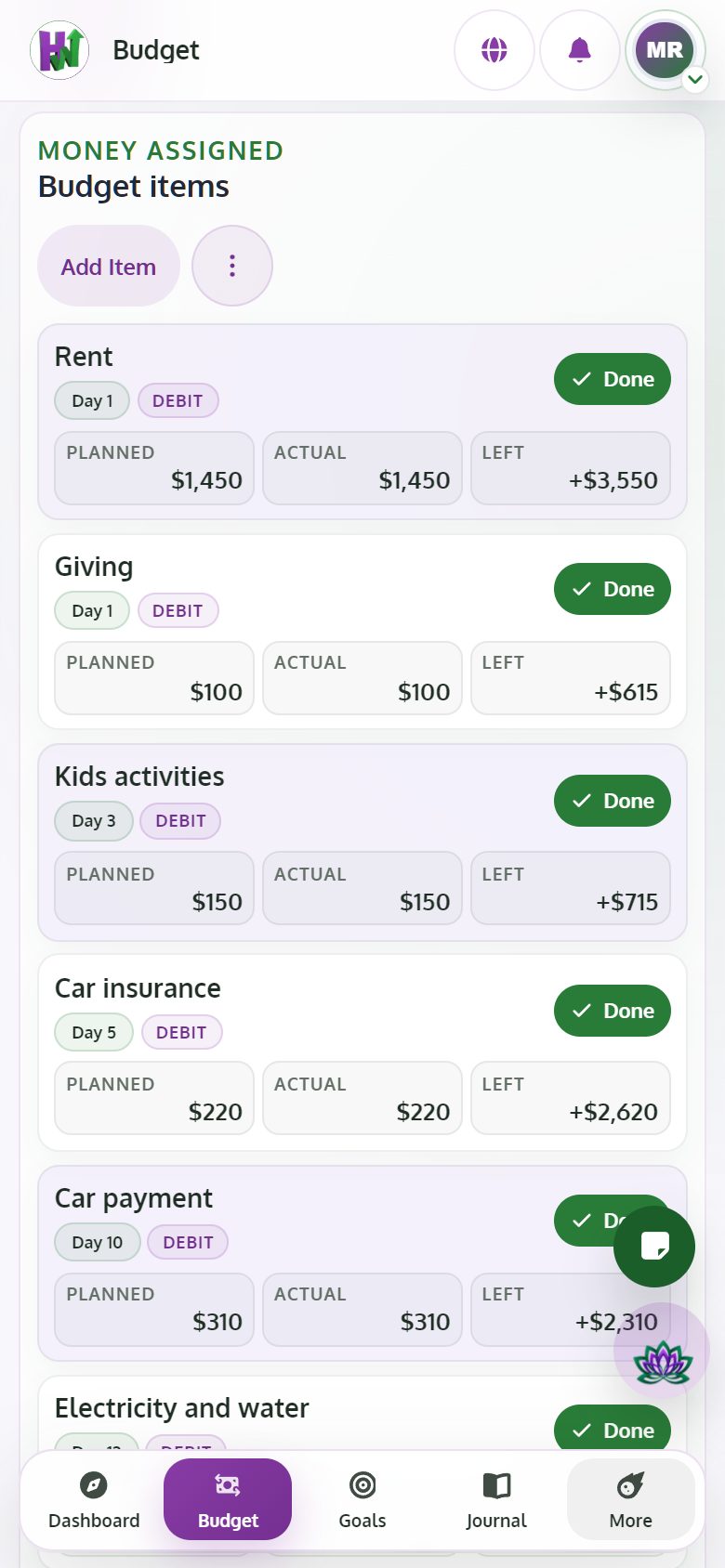
Your budget is zero-based: you give every dollar a job before the month begins. Each item has a Planned and an Actual amount. When you enter the Actual, you mark the item Done. When every item is done, the month closes on its own and records your Budget Score.
Why: Planning first means you decide where your money goes. Entering the Actual next to the Planned amount shows you the gap, and closing the month answers the question most apps leave open: did I do what I needed to do this month?
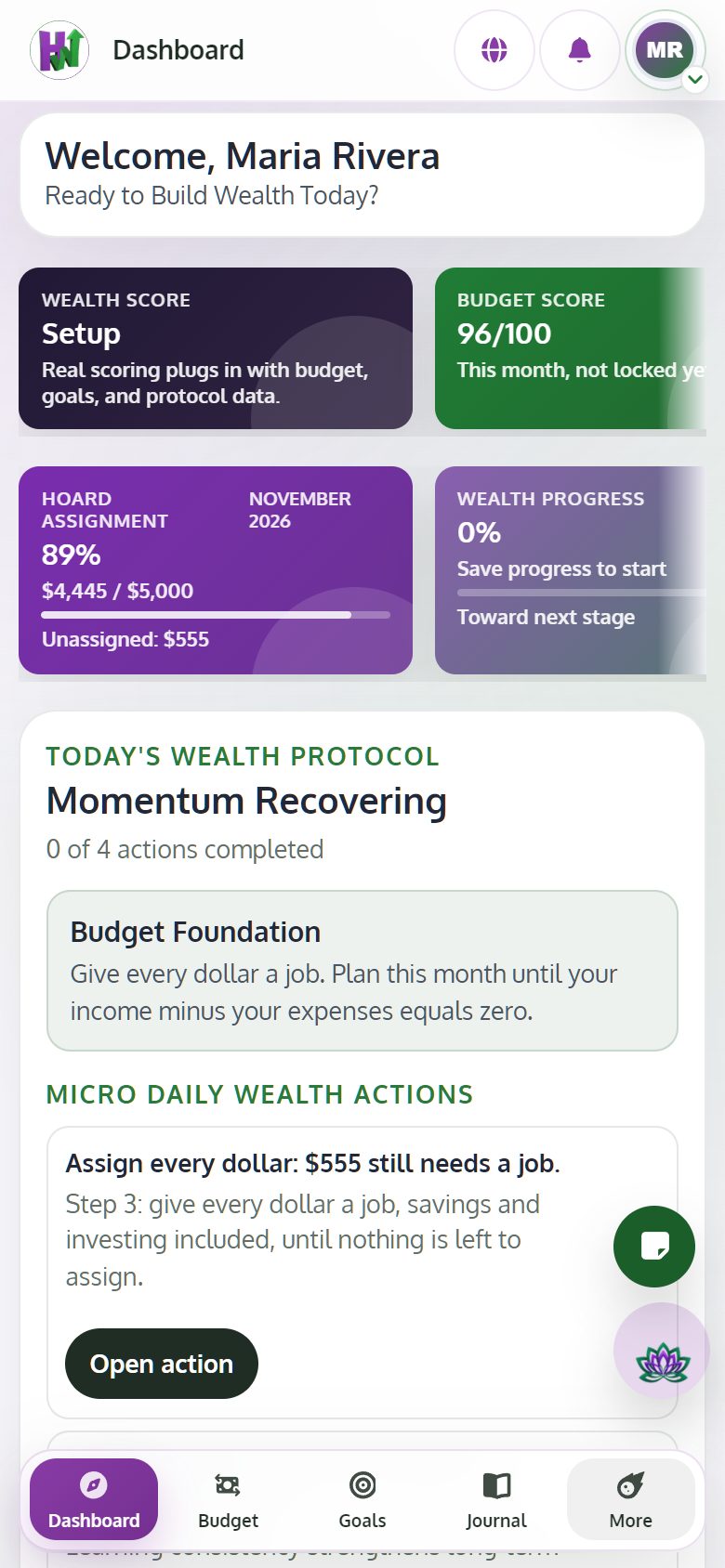
Your Wealth Path has six stages: Snapshot, Budget, Debt, Emergency fund, Investing and Wealth. Your stage is decided only from the months you have closed, and the Dashboard shows you what to focus on next.
Why: Using closed months keeps your stage based on what really happened, not on plans or guesses. You move forward when your numbers do.
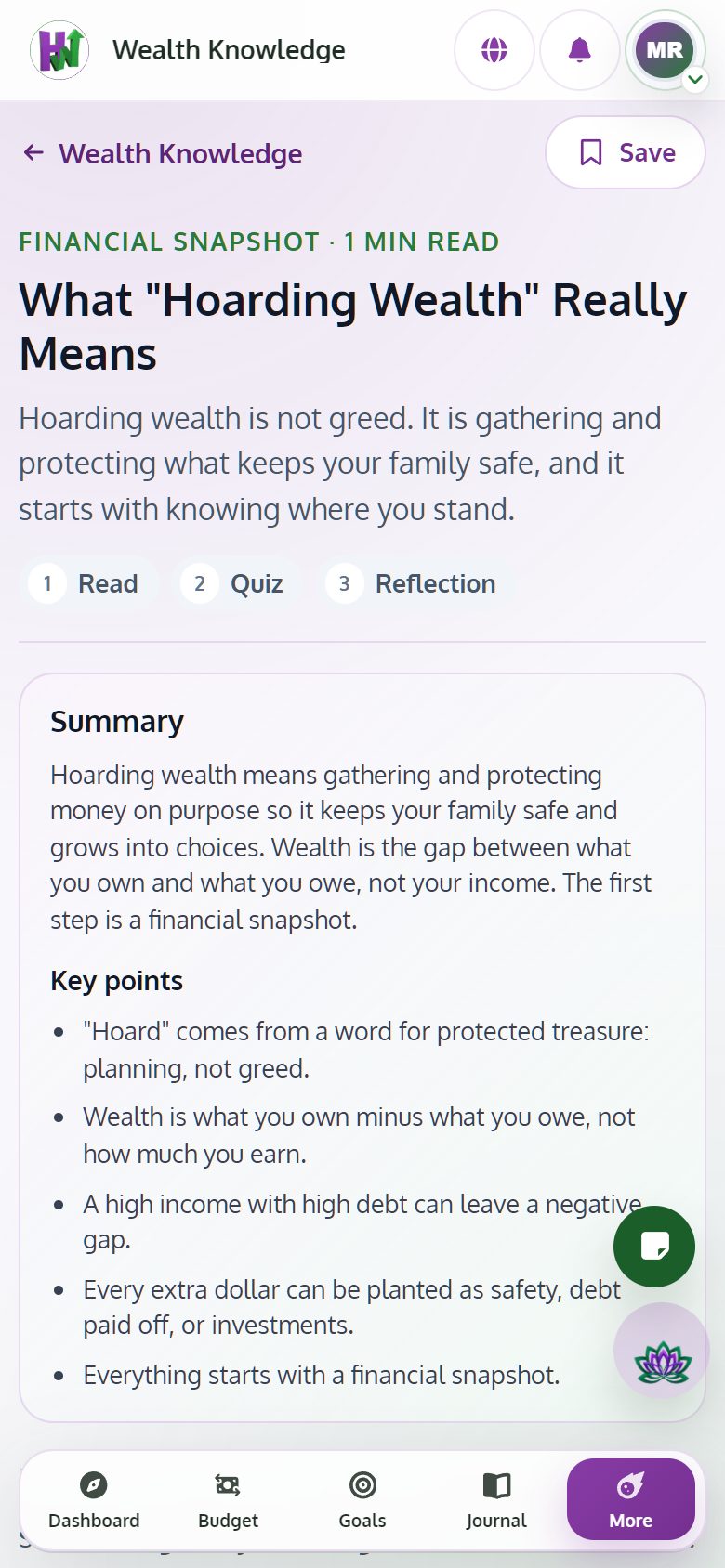
Lessons follow the same stage order. Each one has a summary, key points, a quiz, a written reflection and an Apply step. Your reflections are saved to your Journal.
Why: You learn best when the lesson matches the stage you are in, and the Apply step turns what you read into something you do this month.
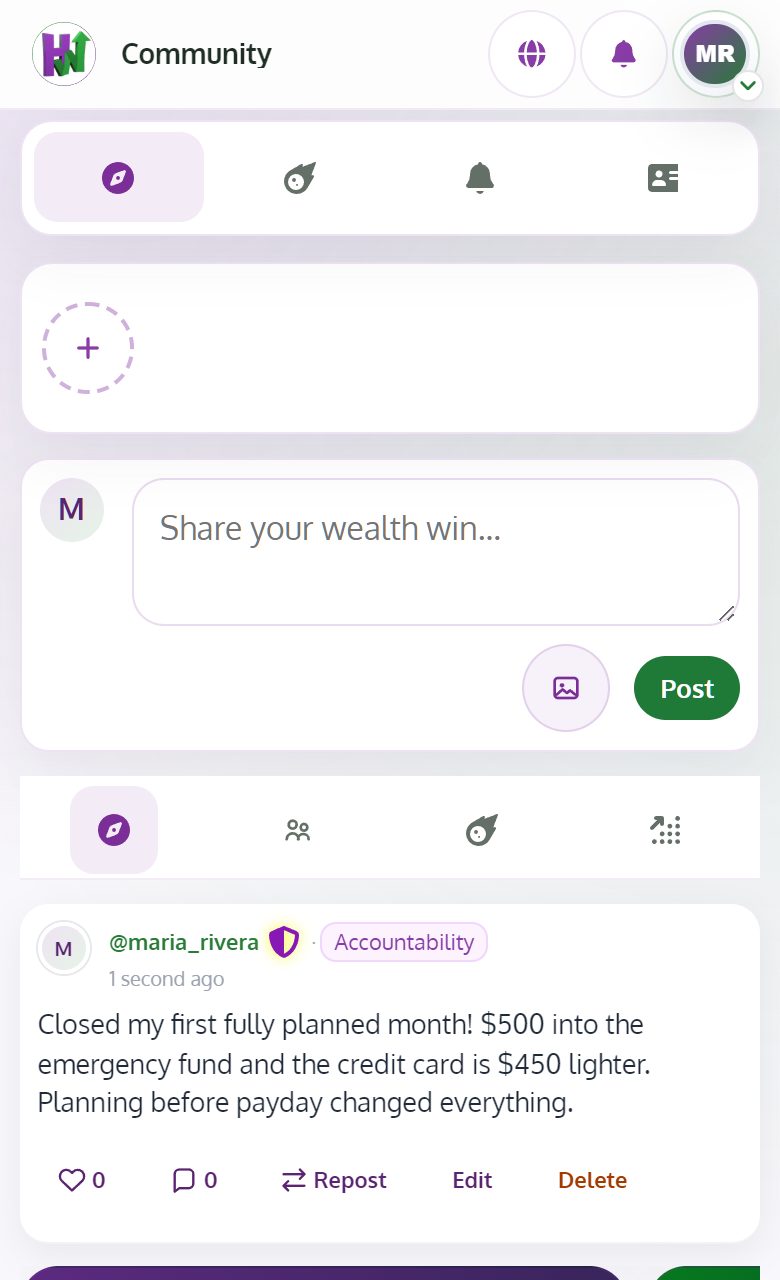
Post questions, wins and lessons learned. Read how other members are handling the same steps.
Why: Hearing how real people get through it keeps you going on the months when it feels slow.
There is no bank connection and no automatic import, on purpose. Entering your numbers and deciding yourself is how you learn and how the habit sticks.
The AI Wealth Coach explains, answers your questions with your own context in mind, suggests next steps and links related lessons. With Premium, it can draft a personal Wealth Path for you, and that draft waits until you confirm it.
It never moves money, never manages your accounts and never changes your data on its own. The strongest thing it does anywhere in the app is write a draft.
Hoarding Wealth has its own community where members share knowledge, anecdotes and stories and learn from each other. You can post with images, comment, react, follow people and join Spaces.
Every post is checked by a word list and AI moderation, and serious content is held for human review.
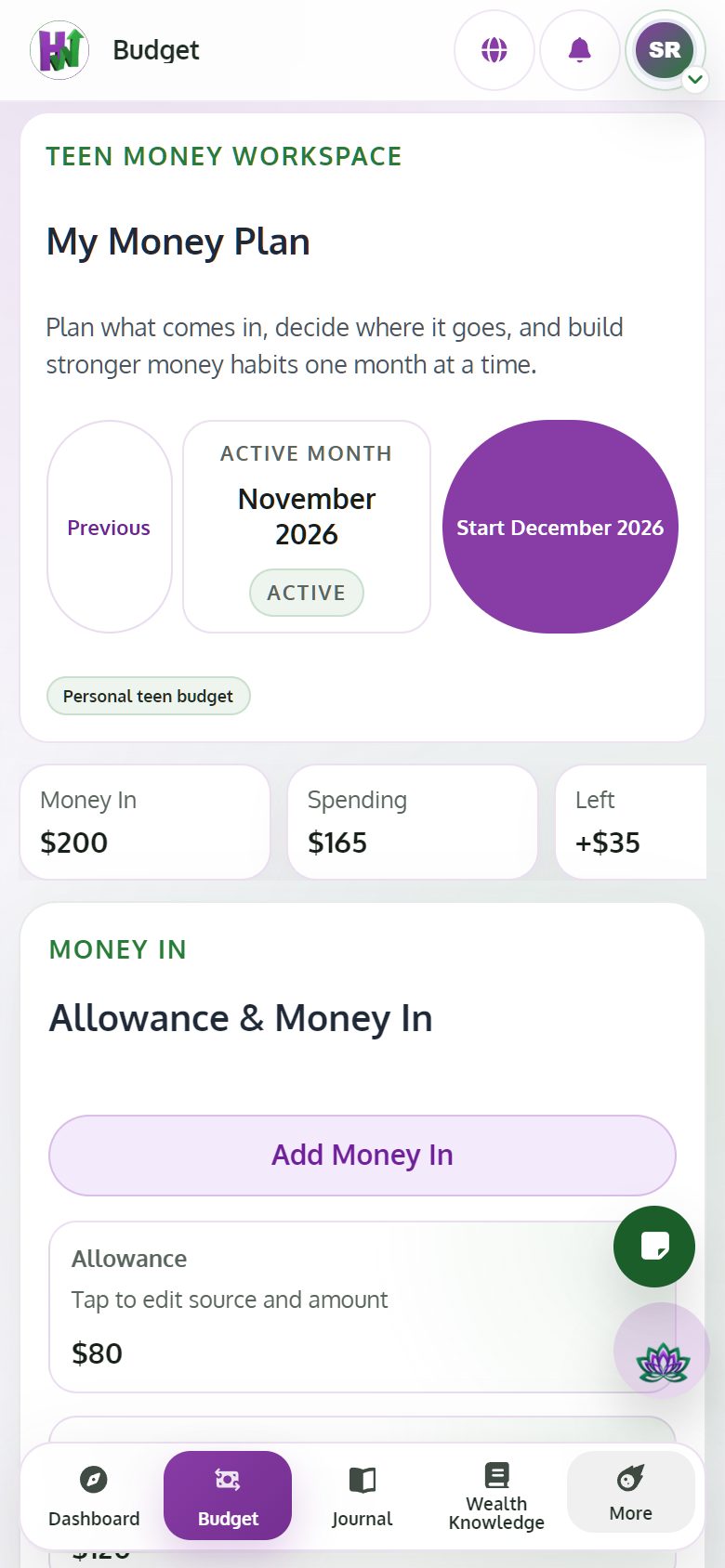
A supervised teen budget, My Money Plan, lets parents guide and teach personal finance in a controlled environment. Teens plan their money in and their spending, and learn with family-safe lessons.
Creating and managing a household is part of Premium.
Hoarding Wealth works in your phone's browser, and you can add it to your home screen so it opens like an app. You use the same account on every device.
The Visual Planning board is made for a bigger screen, so it is available on desktop only.
Start with the free assessment, then give every dollar of next month a job.
Start free