
Accept a household invite
Accepting moves you into the household's shared budget. Nothing of yours is lost: if you ever leave, your own budget comes back with you.
- 1
Open the link in the email
Open the invitation email and tap the link. It works for 7 days.
- 2
Sign in with the invited email
Sign in, or create your account, with the same email the invite was sent to.
- 3
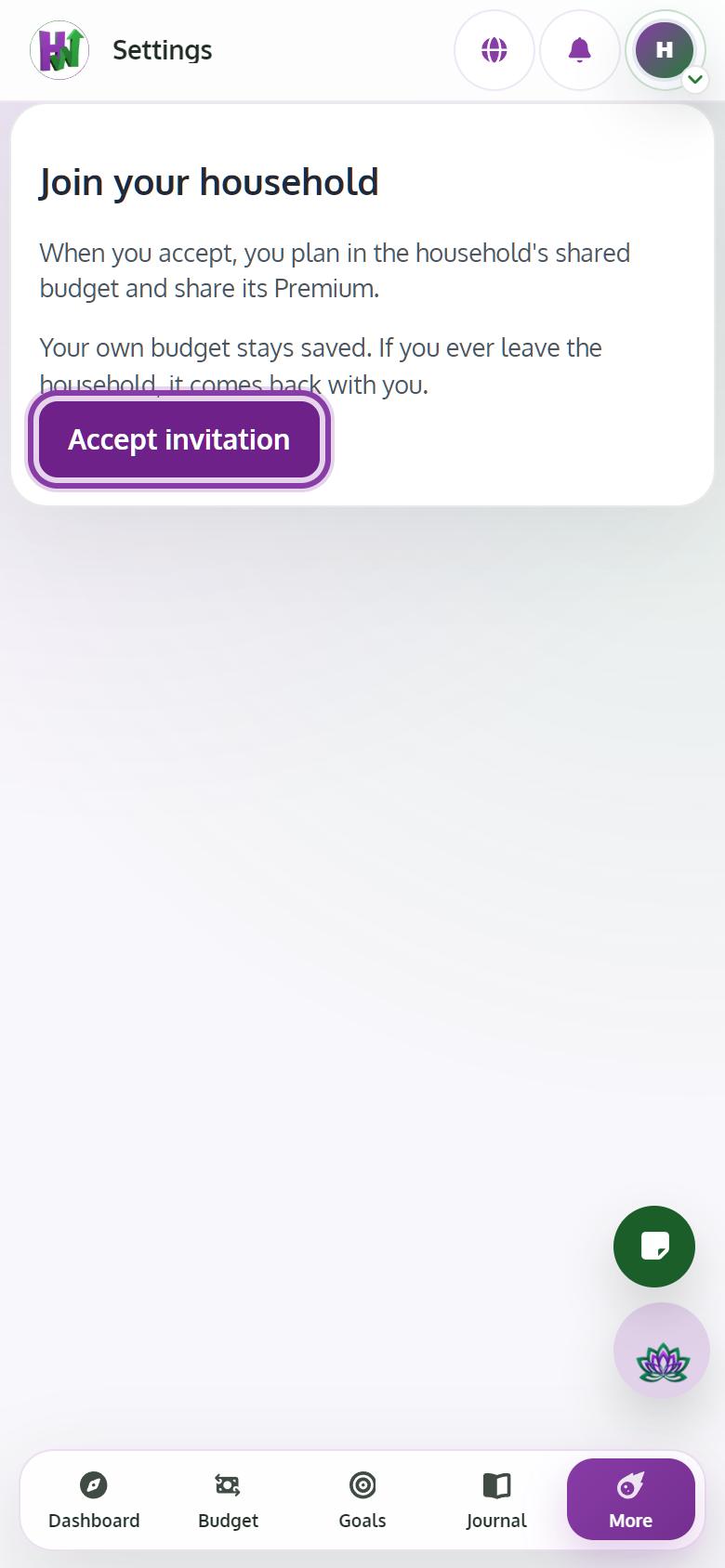
Tap Accept invitation
On Join your household, read what happens to your own budget and tap Accept invitation.
Tips
- If you already share a household with other people, leave it first, then accept.