
Choose your notifications and emails
Reminders help you plan on time. Keep the ones that help and turn off the rest.
- 1
Open Settings, then Notifications
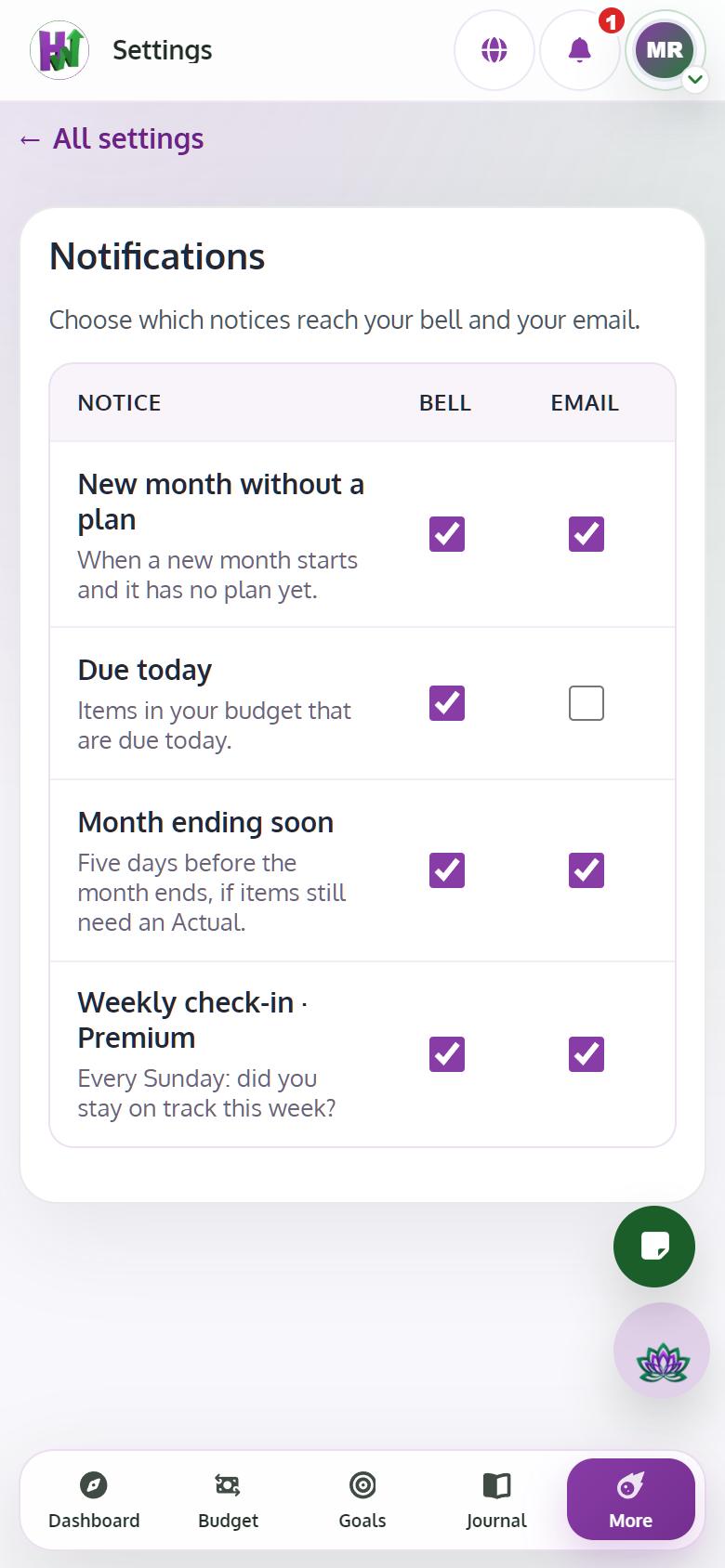
Each reminder has a Bell and an Email switch: New month without a plan, Due today, Month ending soon and, with Premium, Weekly check-in.
- 2
Choose your other emails
In Preferences, under Email and notifications, choose reminders, product updates, the newsletter and the digest. Security emails always arrive.