
Set your goals
A clear goal makes the hard months easier. It is the why behind every item you plan.
- 1
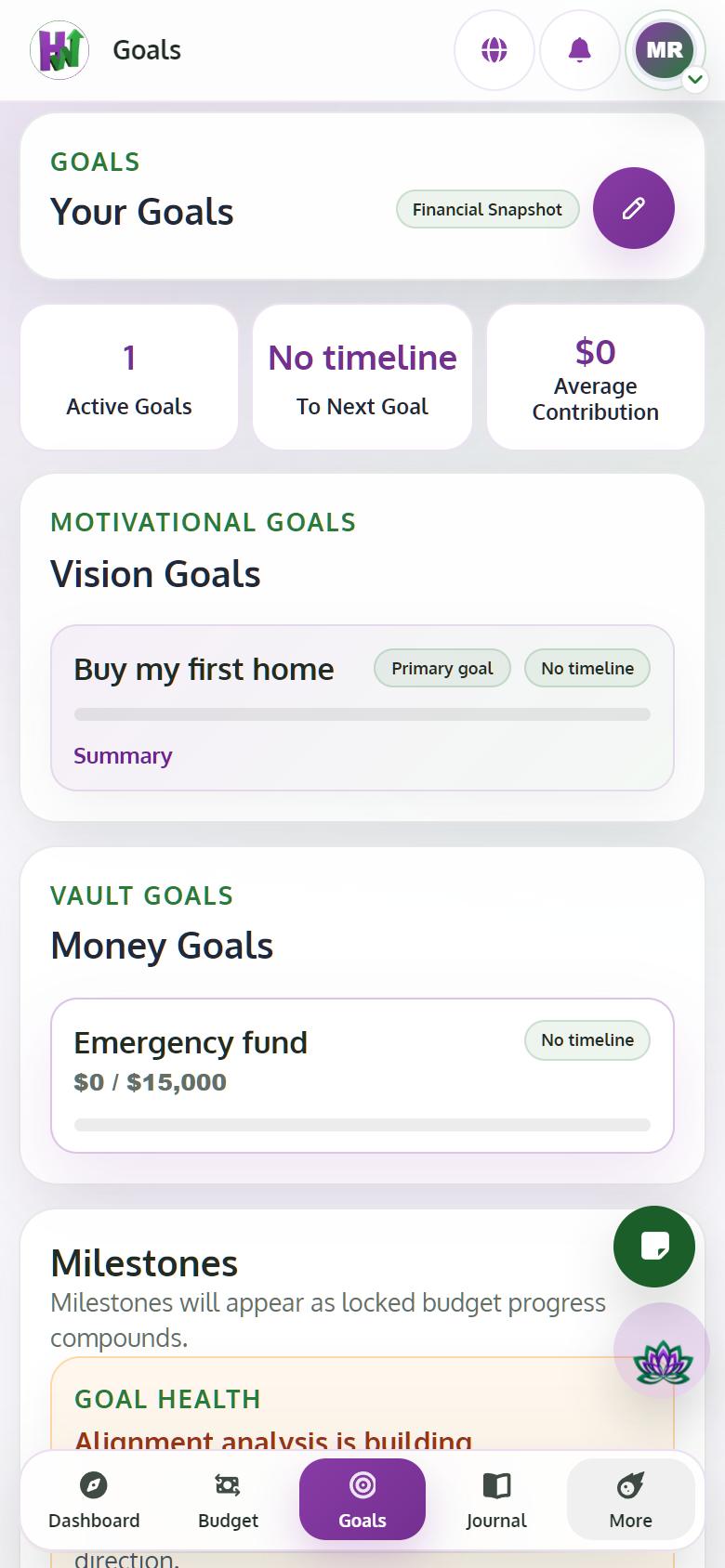
Open Goals
Tap Goals to see your vision goals and, with Premium, your Vault Goals with their estimated dates.
- 2
Edit your vision goals
Tap Edit vision goals and pick what you want, such as Get out of debt or Buy my first home.
- 3
Review and confirm
Tap Review changes, then Confirm goals. The free plan includes one goal; Premium has unlimited goals with AI projections.