
Post in the Community
It is easier to stay consistent next to people doing the same work. Only members can post, and only what you write is shared, never your numbers.
- 1
Open the Community
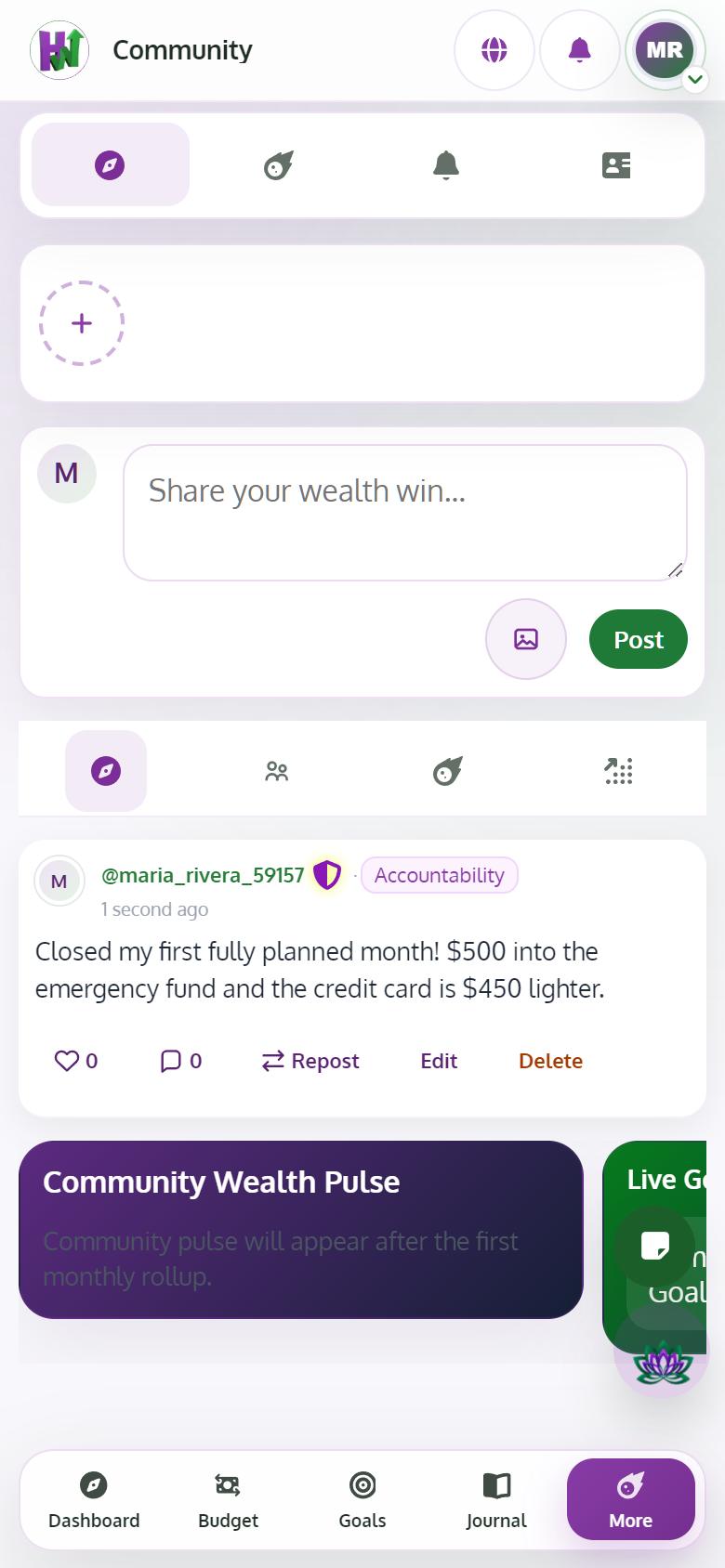
Tap Community to see the latest posts.
- 2
Write your post
Tap Share your wealth win..., write it, add a photo if you like, and tap Post. Posts are checked before others see them.
- 3
React, comment and follow
Tap the heart to react, Comment to reply, and Follow on someone's profile to see more from them.
- 4
Join Spaces
Open Spaces to find conversations on one topic, and follow the ones that fit you.