
Think it through on a Planning Board
Some decisions need room to think. A Planning Board is a canvas for notes, to-dos, tables and live cards from your budget. When you decide, you make the change in your Budget.
- 1
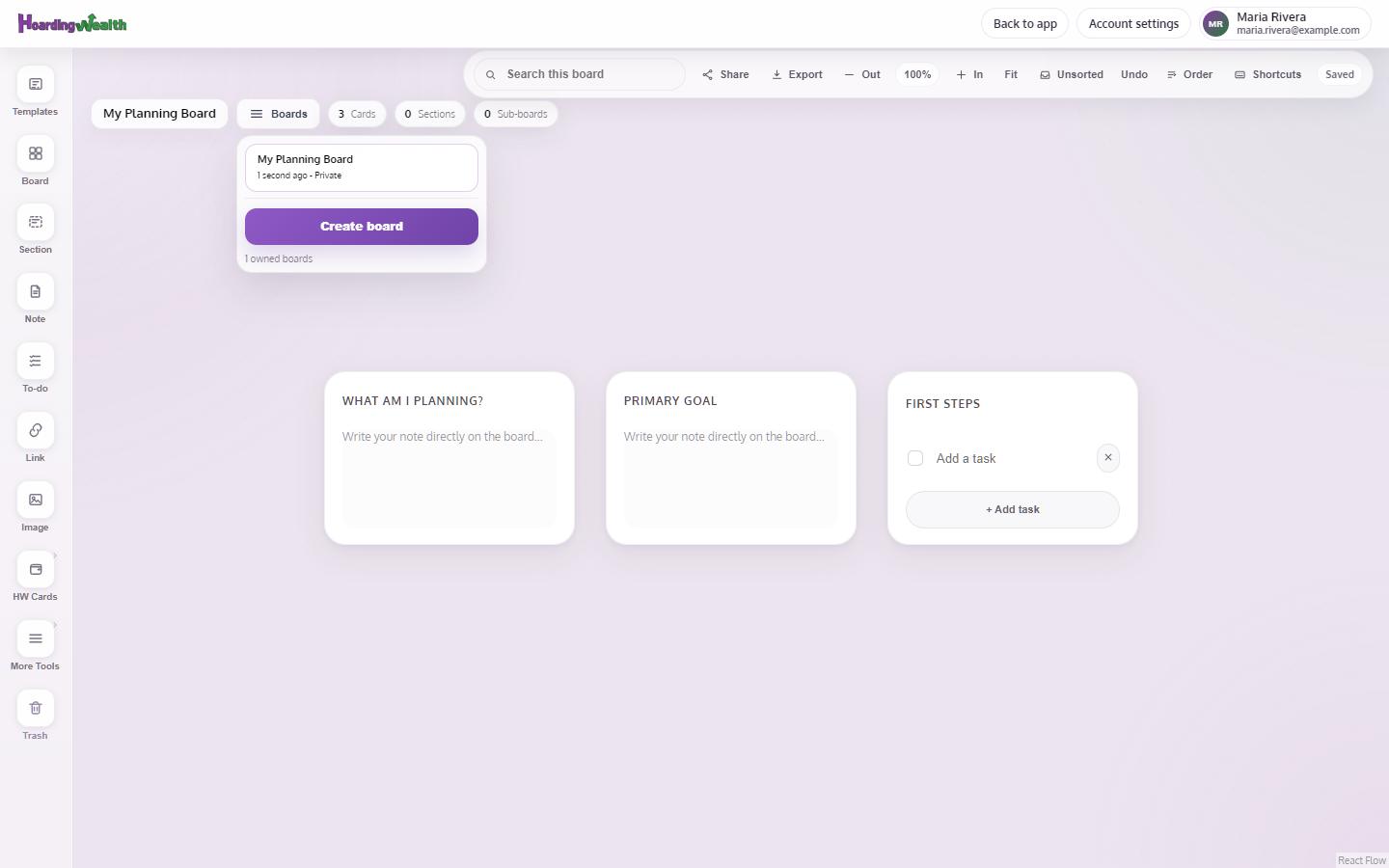
Create a board
Open Planning Board and tap New Planning Board. Name it and tap Create board, or Start Blank.
- 2
Start from a template
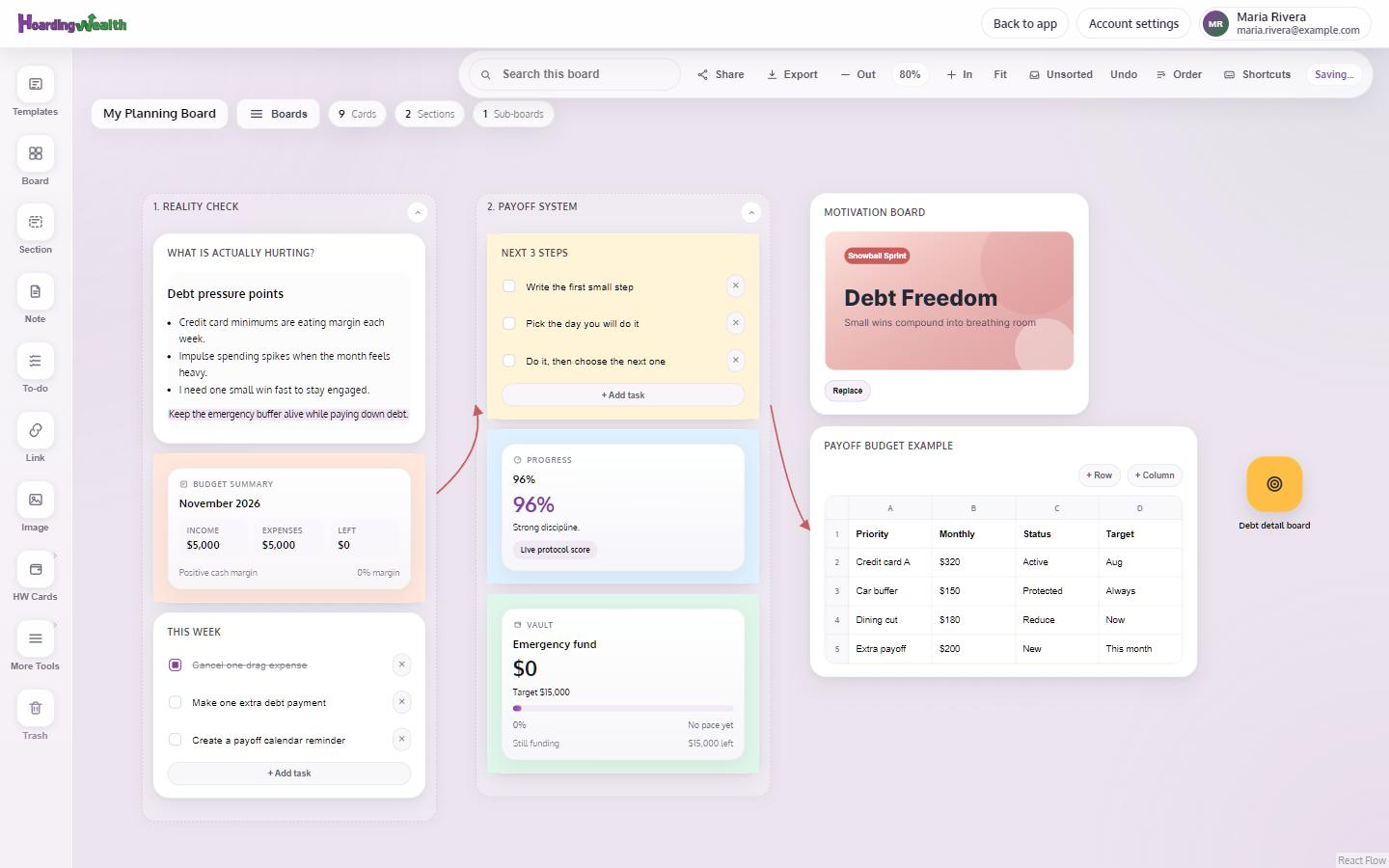
Open Templates and choose one, such as Debt Payoff Plan, Savings Sprint or Home Purchase Plan, then Add Template.
- 3
Add cards
Drag Notes, To-dos, Tables and Links onto the board. The HW Cards, like Budget, Vault and Progress, show your real numbers.
- 4
Share or export it
Use Share board to give someone view or edit access. Download PNG and Print / PDF work on every plan; SVG and a JSON backup are Premium.
Tips
- Free includes 3 boards; Premium is unlimited and can share boards with your household.
- The board works best on a computer or a tablet. On a phone, open it from the menu.