
Invite your partner to one shared budget
Money goes better when both of you see the same plan. Invite another adult to your household and you both plan in one shared budget, with one Premium.
PremiumThis guide needs Premium. See pricing
- 1
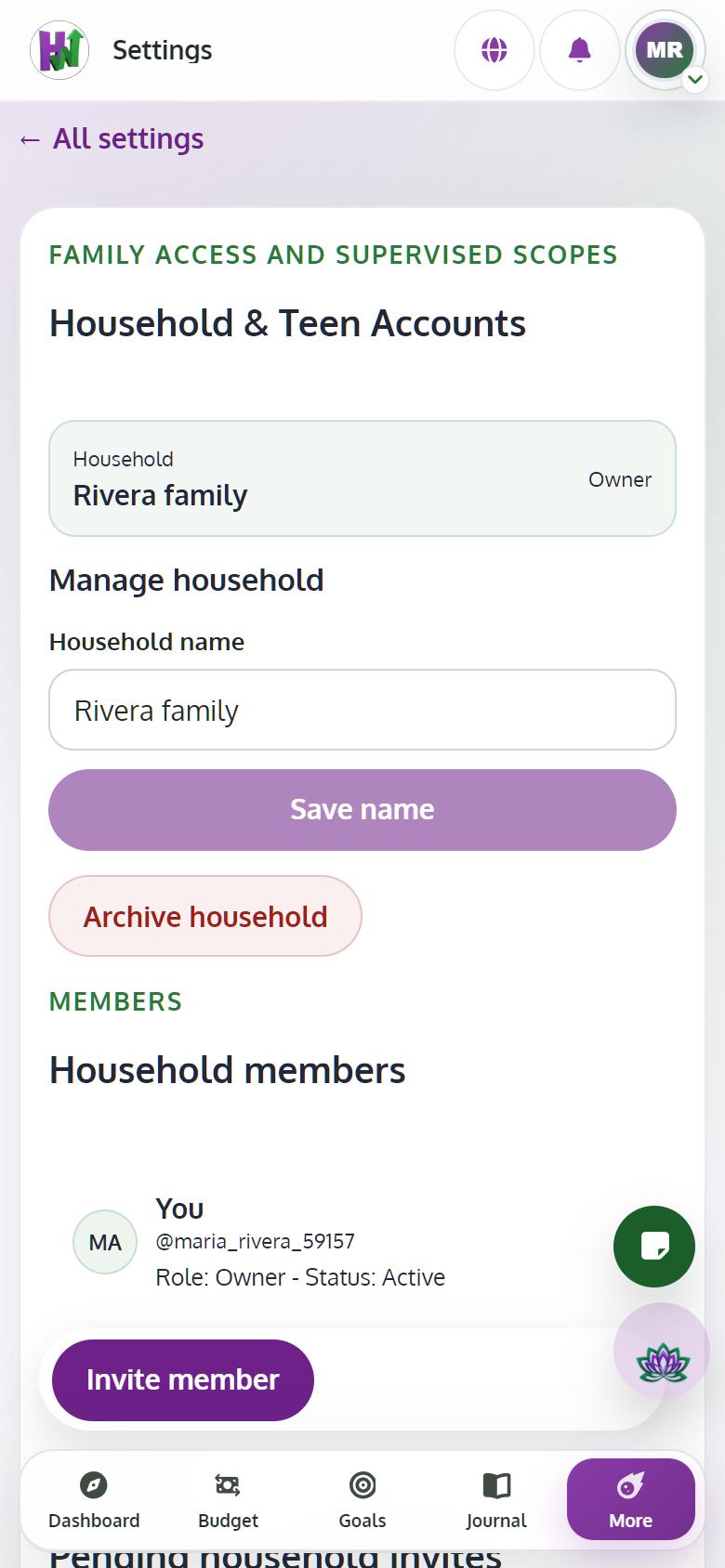
Open Settings, then Household
Tap your picture, Settings, then Household. If you don't have a household yet, tap Create household.
- 2
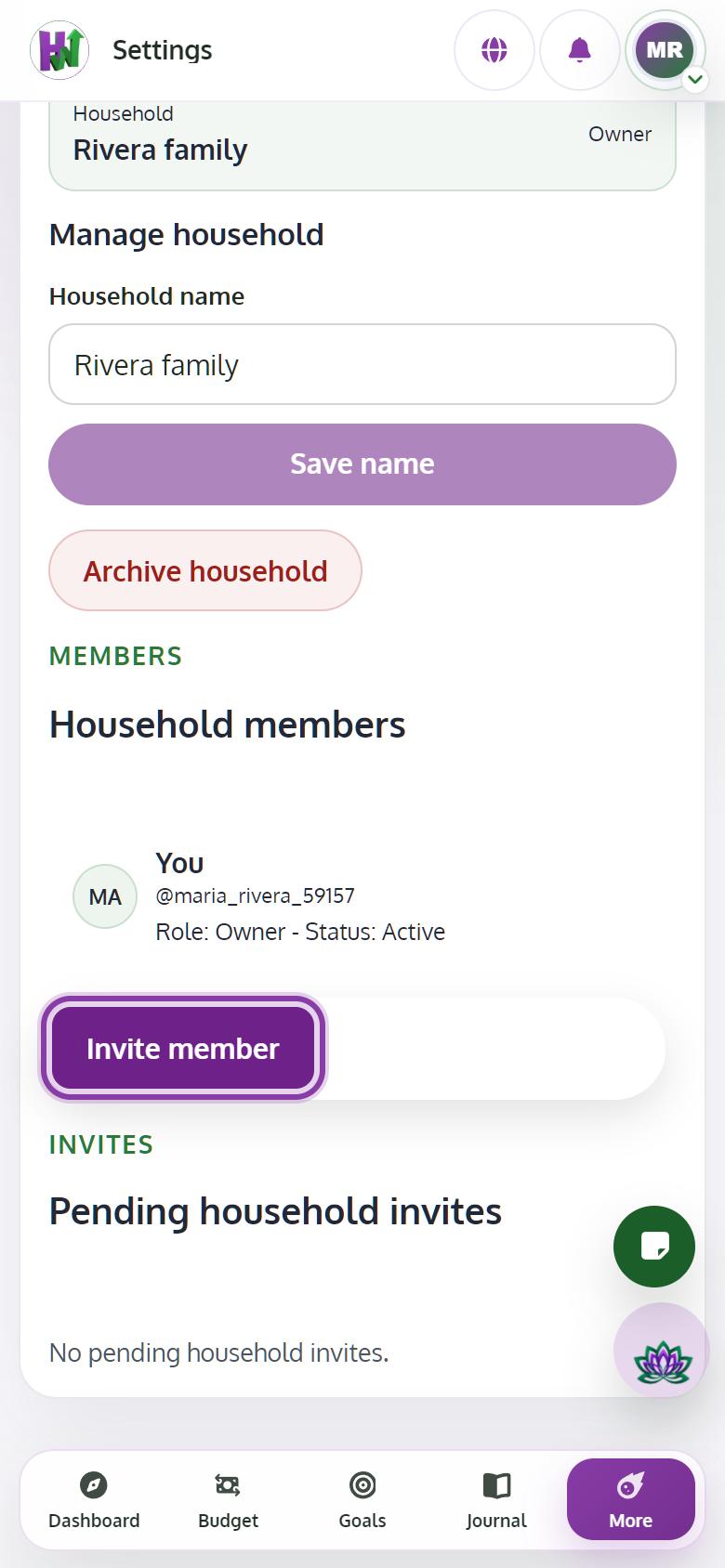
Invite them by email
Tap Invite member, enter their email address and tap Send invite. We email them a link right away.
- 3
Wait for them to accept
The invite shows as pending, and it lasts 7 days. Use Resend if they can't find the email, or Cancel to withdraw it.
- 4
Plan together
Once they accept, you both see and edit the same budget, goals and vaults, and they have Premium through your household.
Tips
- Each of you keeps a private Journal. The coach only reads your own entries, never your partner's.