
Change the language
The app, your emails and the AI Coach follow the language you choose.
- 1
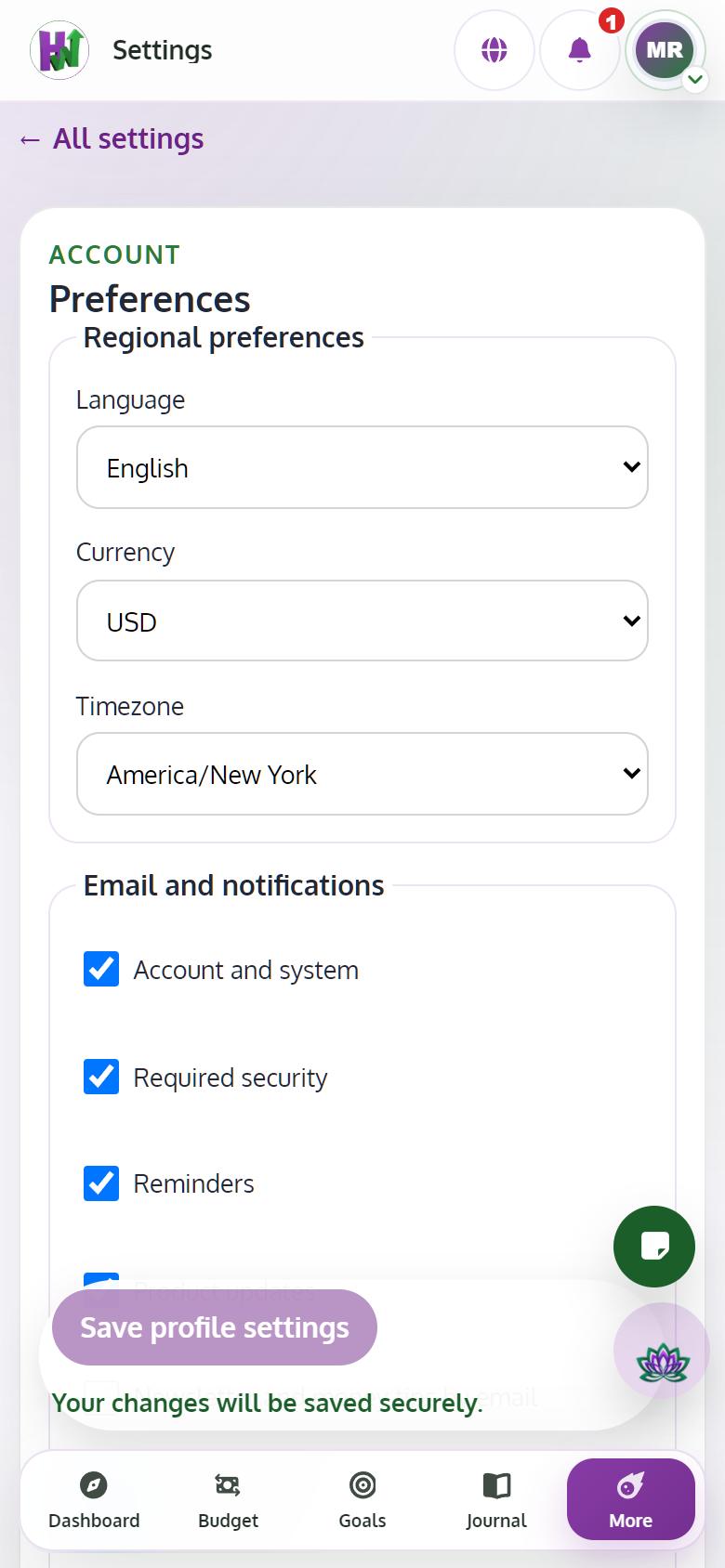
Open Settings, then Preferences
Tap your picture at the top, choose Settings, then Preferences.
- 2
Choose English or Español
Pick the language and tap Save profile settings. The app changes right away.