
Follow your Wealth Path
Money works in an order: a working budget, then debt, then an emergency fund, then investing. The Wealth Path shows where you are in that order and the next step.
- 1
Open the Wealth Path
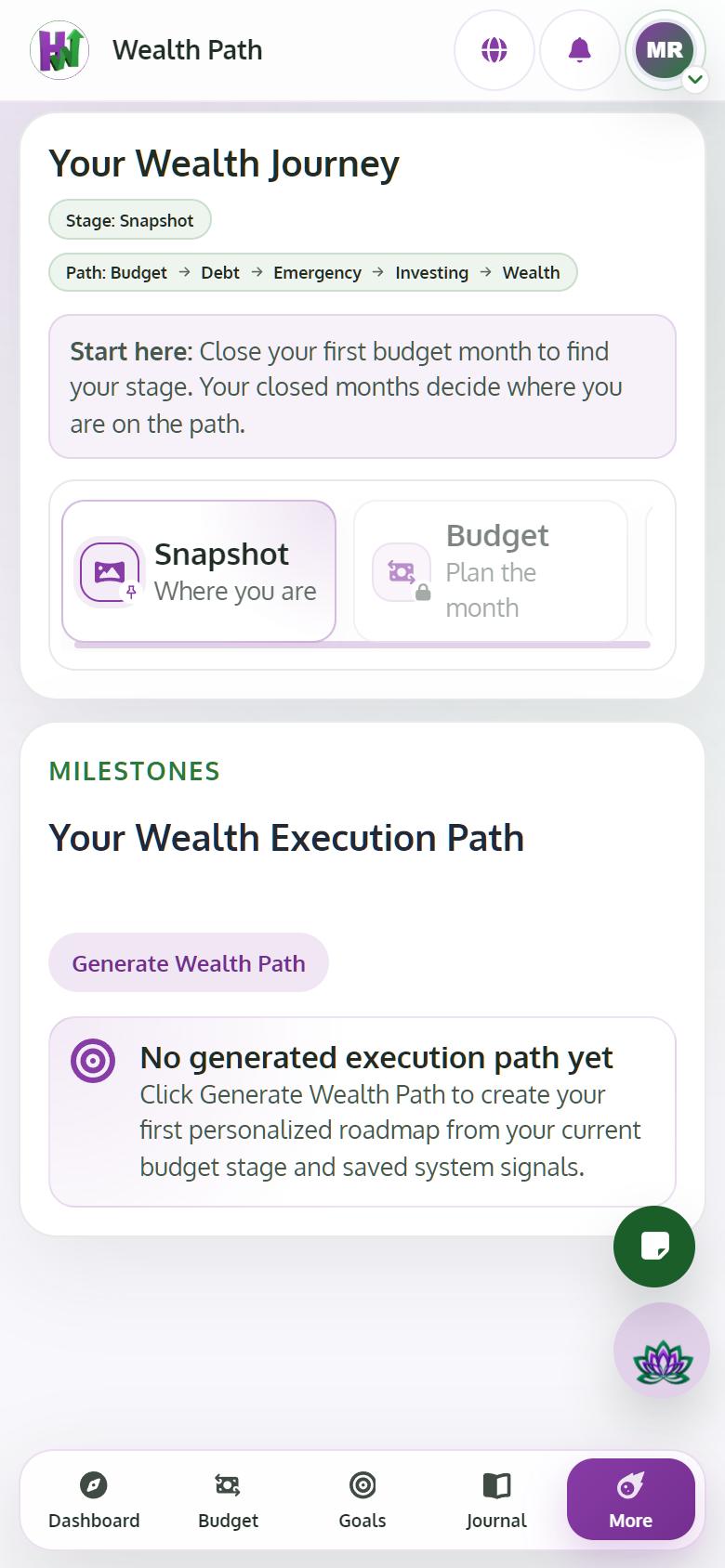
Tap Wealth Path. You see your Current Stage, the Next unlock and the Unlock requirement. Stages show as Completed, Current or Locked.
- 2
Close a month to get your real stage
Your stage comes only from closed months. Until then it says Close your first budget month to find your stage.
- 3
Get personal steps with Premium
Tap Generate Wealth Path to have the AI draft your next steps from your numbers. Review them, then Save generated path and Accept next step.
Tips
- Wealth Journey shows the same progress month by month, with where your money goes.