
Create your account
Your account starts with one honest question about your money. The short assessment and setup that follow shape your first budget, so you start with a plan, not an empty screen.
- 1
Create the account
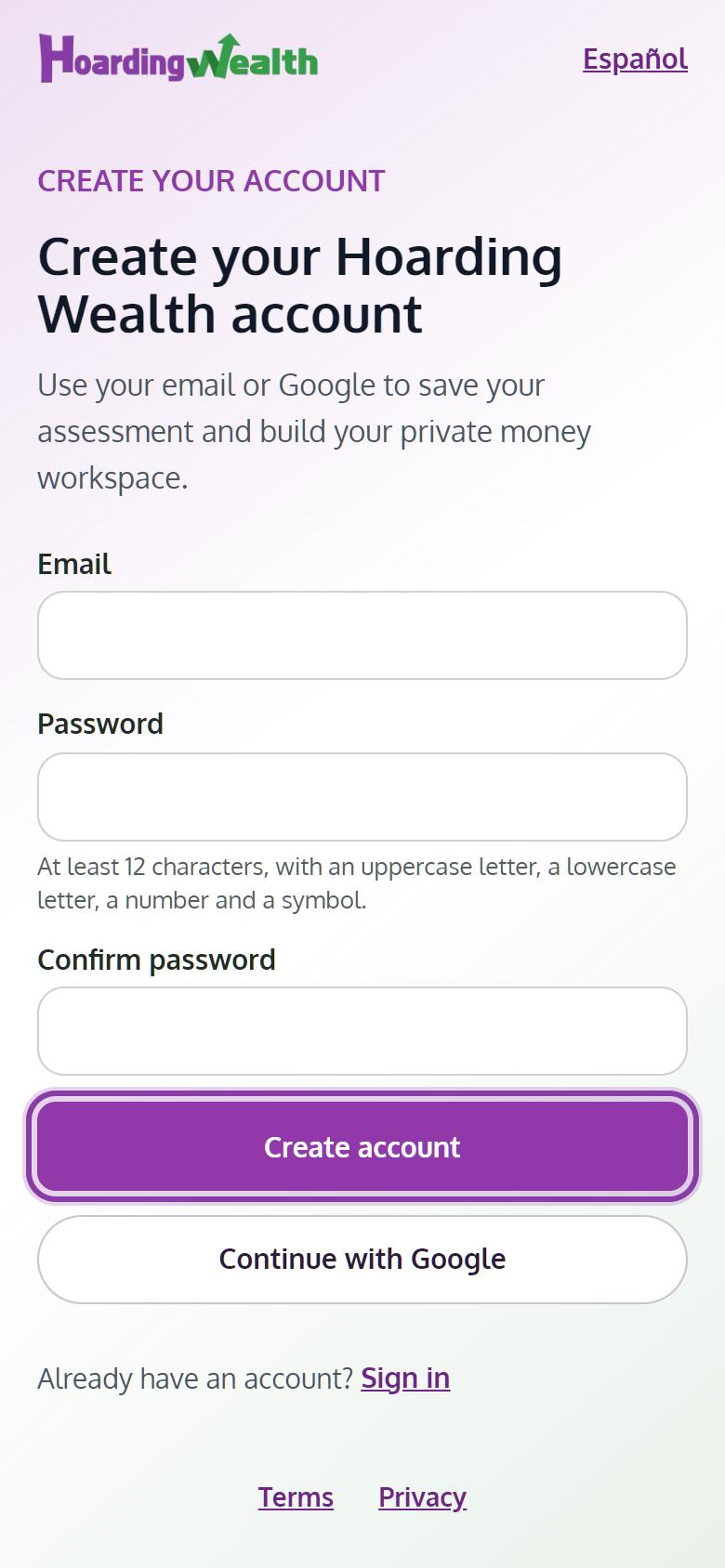
Open the app and choose Create account, or Continue with Google. Your password needs at least 12 characters, with an uppercase letter, a lowercase letter, a number and a symbol.
- 2
Confirm your email
We send you an email with a link. Open it to confirm the account. If it doesn't arrive in a few minutes, check spam or tap Send it again.
- 3
Answer your money question and four quick questions
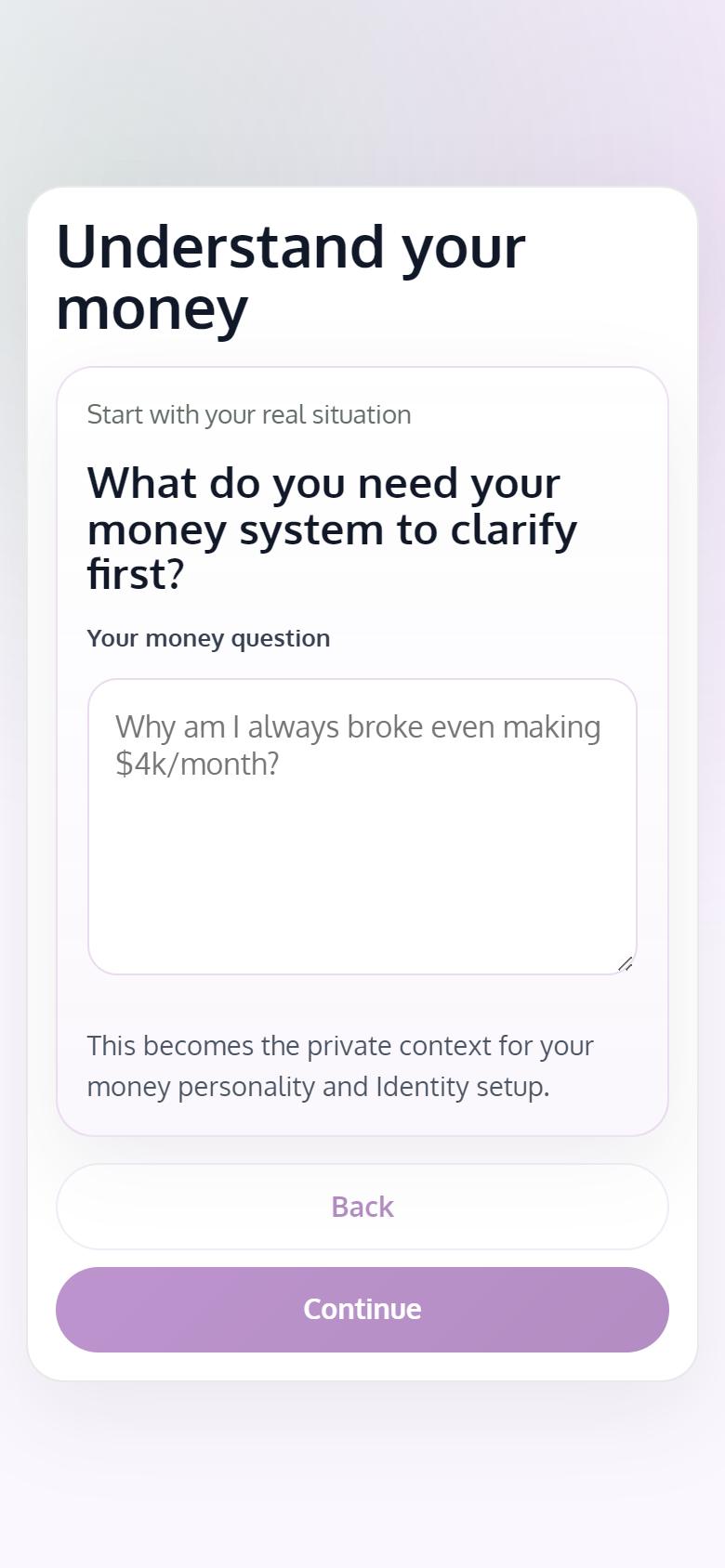
Write or pick the question on your mind, like "Where is my money going?". Then answer four short questions about how you handle money. Tap See my Money Personality to see your main type and your second trait.
- 4
Set your goal and monthly income
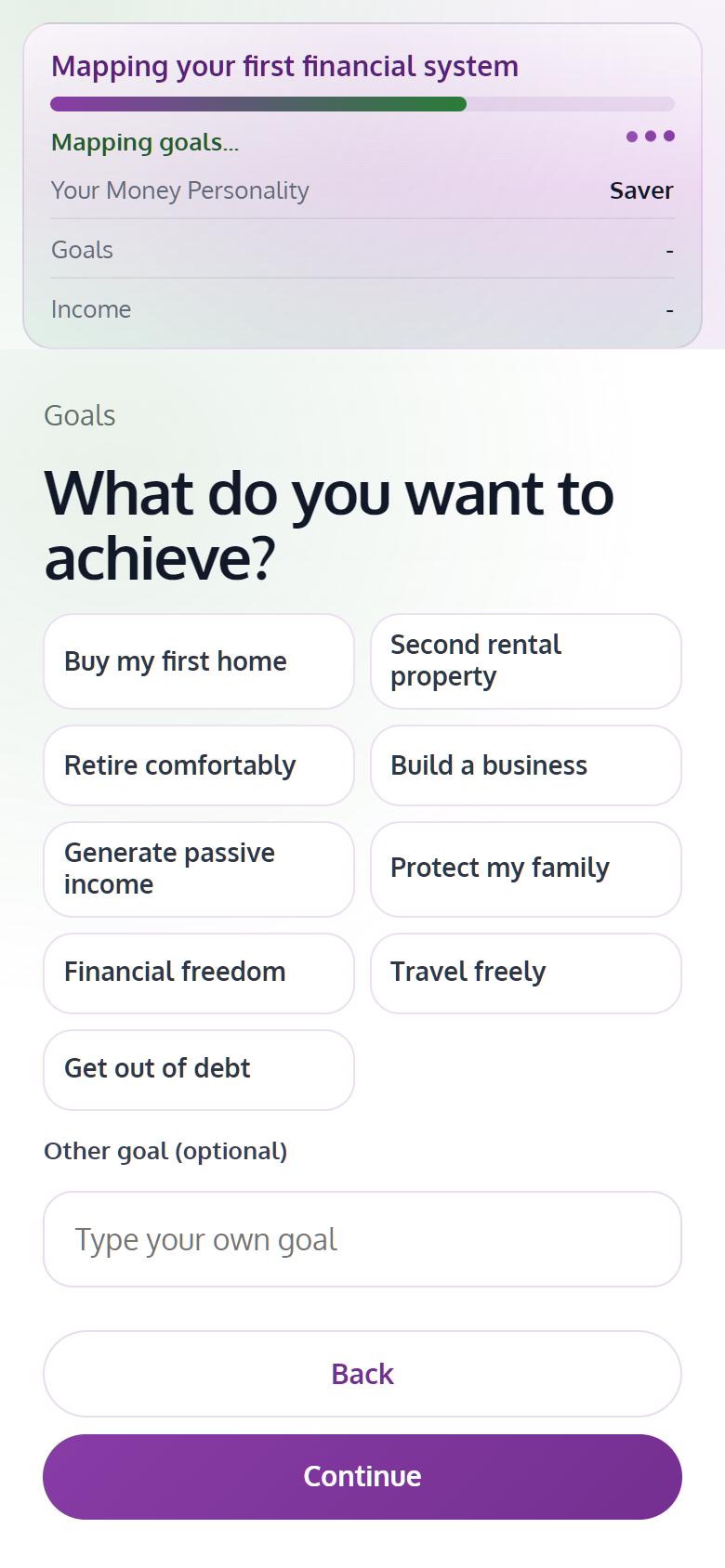
Choose what you want to achieve, such as Get out of debt or Buy my first home, and enter your monthly income. Tap Finish Setup.
- 5
Open your budget
When you see Your budget is ready, tap Go to my Budget and give every dollar of the month a job.
Tips
- The free plan includes one goal. You can change it later in Goals.
- Want to redo the assessment? Open it again and choose Rebuild My Profile. It replaces your current results.