
Take notes with tags and highlights
The Notepad is for quick thoughts you don't want to lose: a number to check, a call to make, an idea for next month.
- 1
Open the Notepad
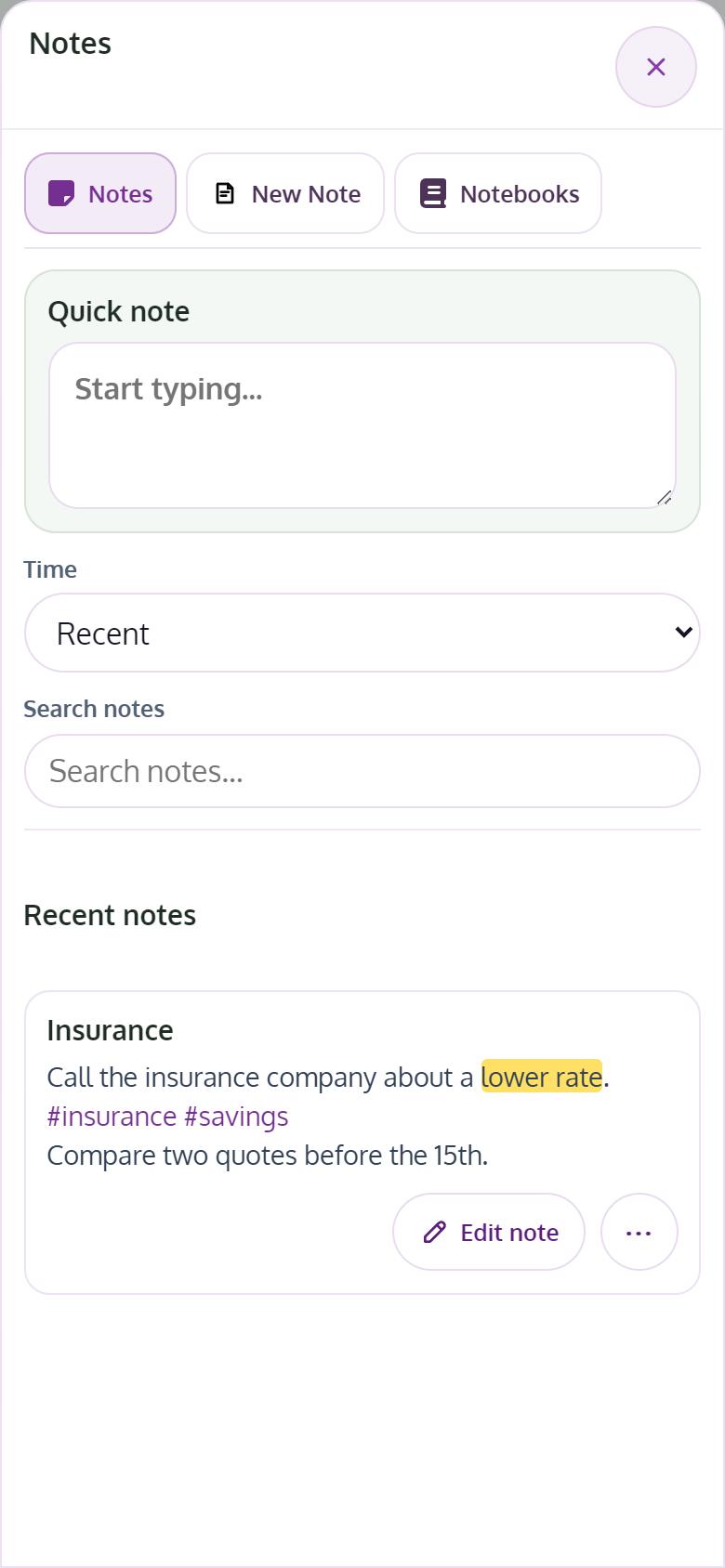
Tap Notepad at the top of any page, then New Note.
- 2
Write, and tag with #words
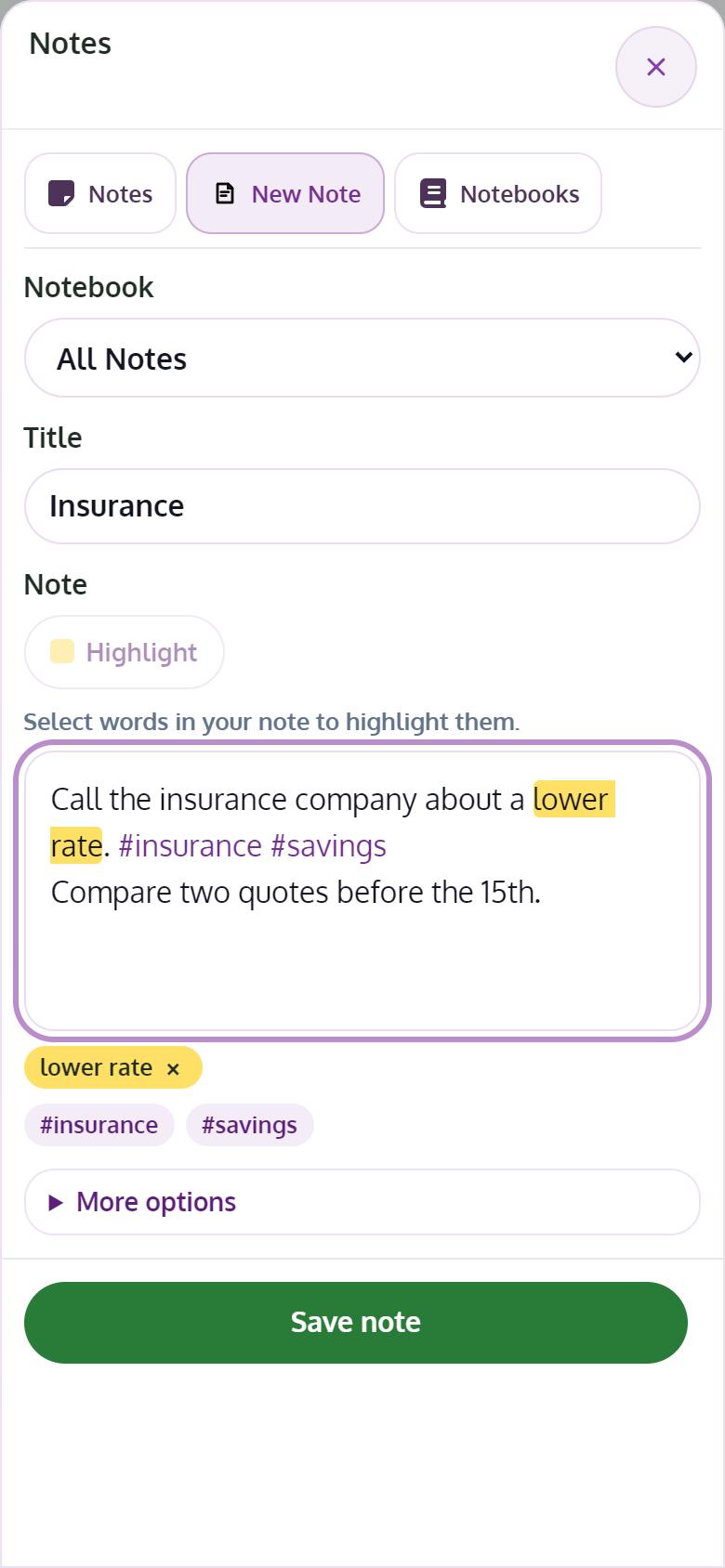
Write your note. Any #word in the text becomes a tag on its own, up to 20 per note. Tap a tag later to see every note with it.
- 3
Highlight what matters
Select words and tap Highlight. They turn yellow in the note. Select them again and tap Remove highlight to undo it.
- 4
Organize, remind and share
Choose a notebook, set a reminder under More options, then Save note. From the ⋯ menu you can share a note with your household or send it to your Journal.
Tips
- A note shared with you is read-only and says who shared it.