
Find your way around the app
Everything in Hoarding Wealth is one or two taps away. The main pages sit in the menu, and the tools you use anywhere sit at the top of the screen.
- 1
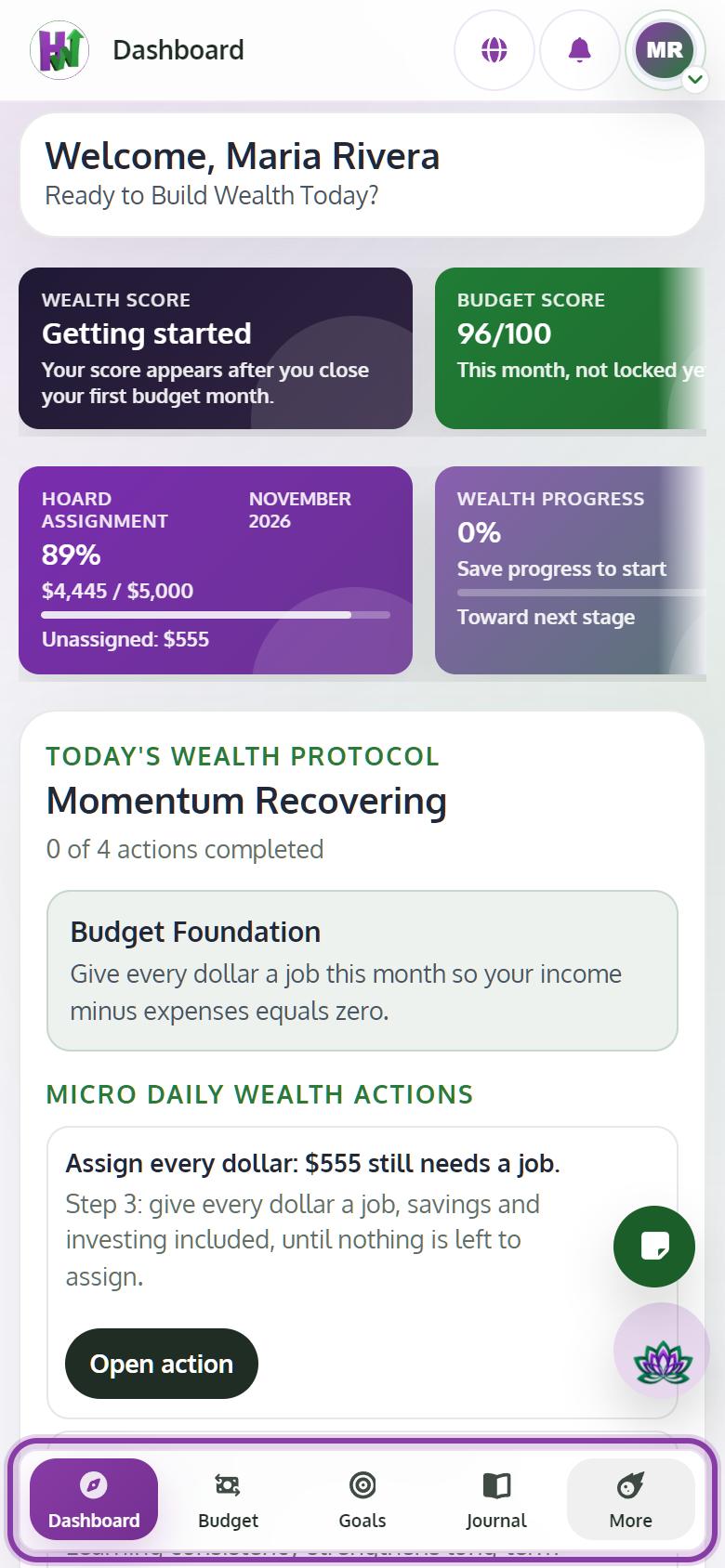
Use the bar at the bottom on a phone
Dashboard, Budget, Goals and Journal are always at the bottom. Tap More for everything else: Wealth Path, lessons, Community, calculators and Settings.
- 2
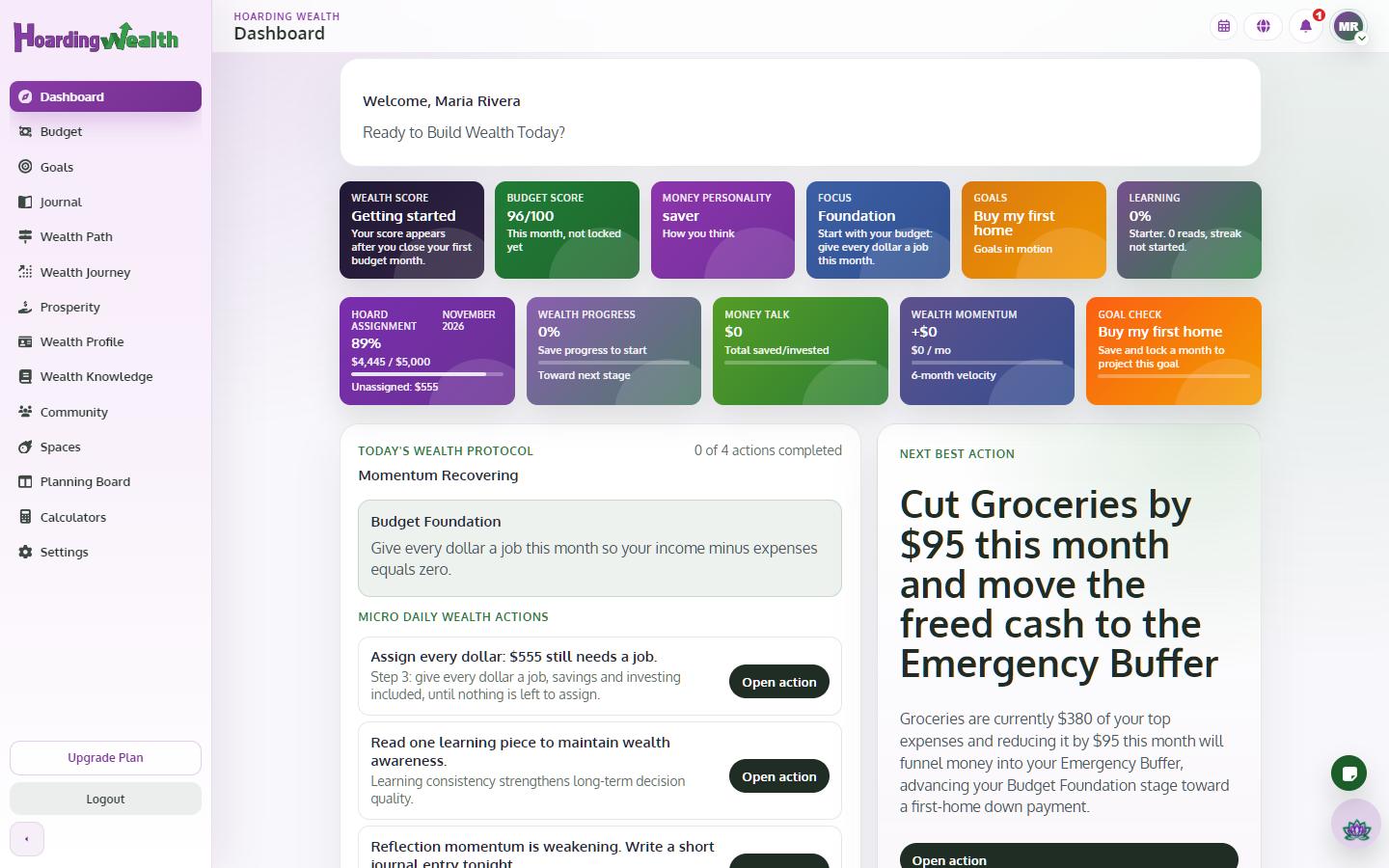
Use the side menu on a computer
On a larger screen every page is listed on the left, including the Planning Board.
- 3
Open the Wealth Coach and the Notepad from the top
The Wealth Coach and the Notepad buttons are at the top of every page, so you can ask a question or jot a note without leaving what you are doing.
- 4
Find your profile and account
Tap your picture at the top for Settings, your public profile, Change Password & Email and Logout.